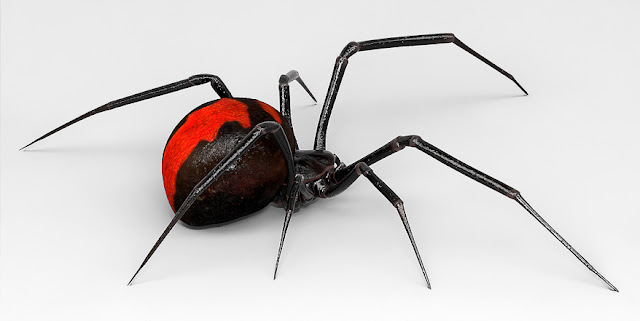
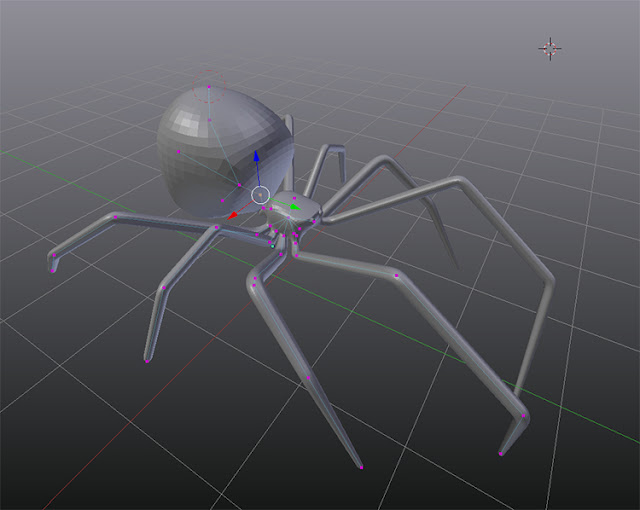
As a workflow test I decided to model a new Redback in Blender using Blenders Skin Modifer. Previously I modeled one in Maya.
I noted my first attempt at using Blenders Skin Modifier HERE. Once the base shape was created I retopologized the mesh using the blender add-onRetypoFlow.
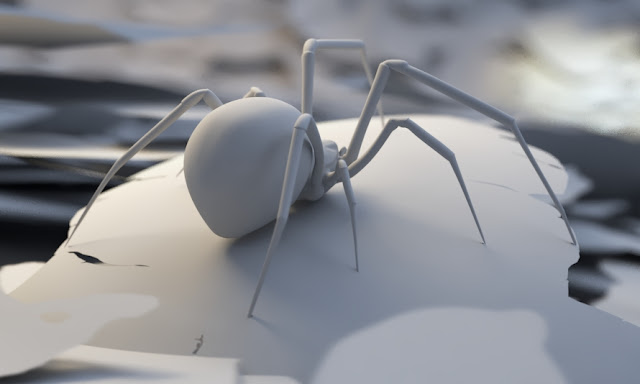
Render test one. I created a web alpha in photoshop and projected them onto images planes in Maya. Here is a test render:
The web is, in all honesty, not very believable, the spiders joints are way to bright and the lighting isn't the best. I decided to do a test without a background or hair:
This is a test for instancing grass with Mash in Maya. Very simple. Very quick. The settings are low and the render took next to no time. Perfect for previewing.
Oh how I am going to love using mash... and it has a python node!
I recently delved into writing some math nodes for Maya with python, (and compiling them in c++), with the idea of building something like what Rhino has with Grasshopper. It's turning into an excellent learning exercise. However, mash already has a lot of what I always wanted Maya to have. So... fun times ahead.
To test out some instancing using Maya's Mash:
1. Paint Effect for grass - converted to polygon quads;
3. I thought I would throw in an old skull I poly modeled a long time ago. I decimated it in Zbrush, instead of using a displacement, and gave it a Vrays SSS shader. Here is a time-lapse of the Maya session:
4. In mash I instanced the grass over a plane and created a falloff object to mute the grass around the skull within a strength node. I also added a random node to the mix.
There is so much artistic control with this kind of procedural approach. Change, add, swap, blend, randomize, mute, duplicate etc.